
Space photos are added from the space’s + menu, either with the camera or from your phone’s gallery. They save on the phone first and upload when you have signal.
- 01
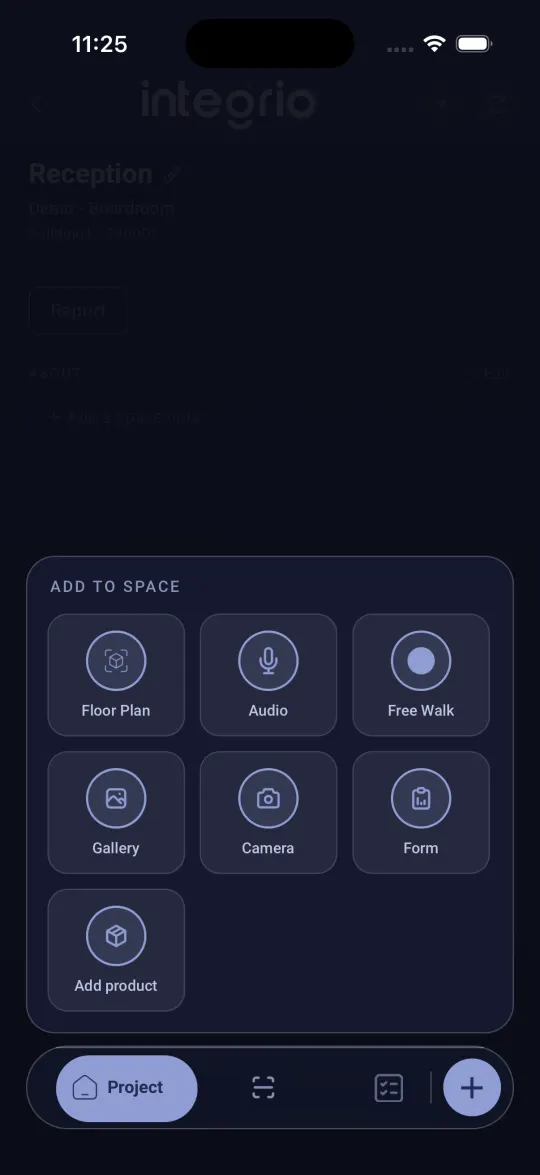
Open the add menu
Open the space and tap + at the bottom right. The Add to space menu opens.
- 02
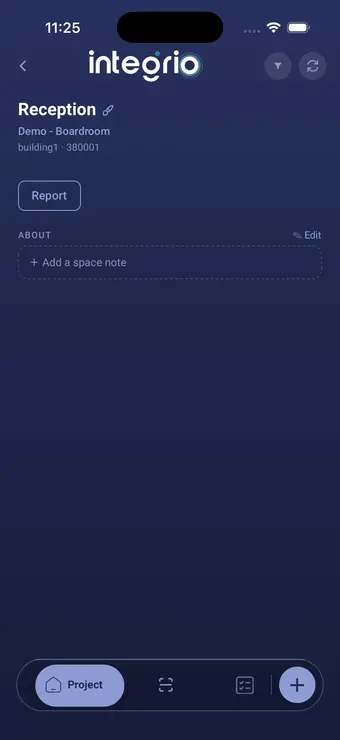
Take or pick the photos
Choose Camera and tap the shutter for a photo, or hold it down to record a video. Or choose Gallery to pick up to 20 photos you have already taken.
- 03
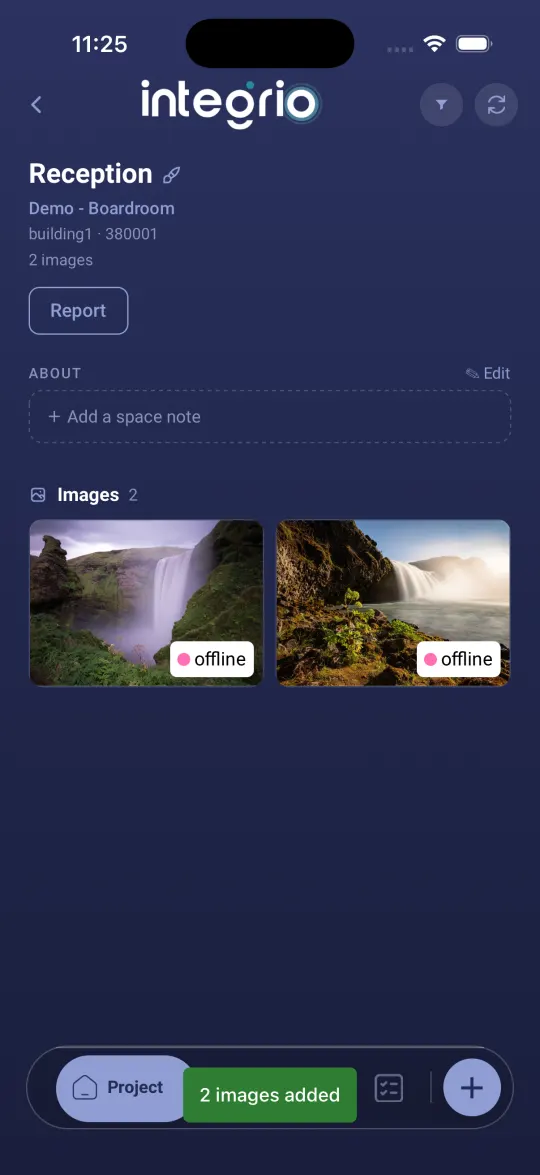
Let them upload
The photos appear under Images. A photo marked offline is saved on your phone but has not uploaded yet, and the sync button at the top right turns red. Tap it when you have signal.
Good to know
- ✓Tap a photo for Measure, Edit, Duplicate and Audio Note.
Still stuck?
Send us the project and the step you reached, and we’ll take a look.