
Product photos are taken from the product’s own card and stay attached to that product.
- 01
Open the product
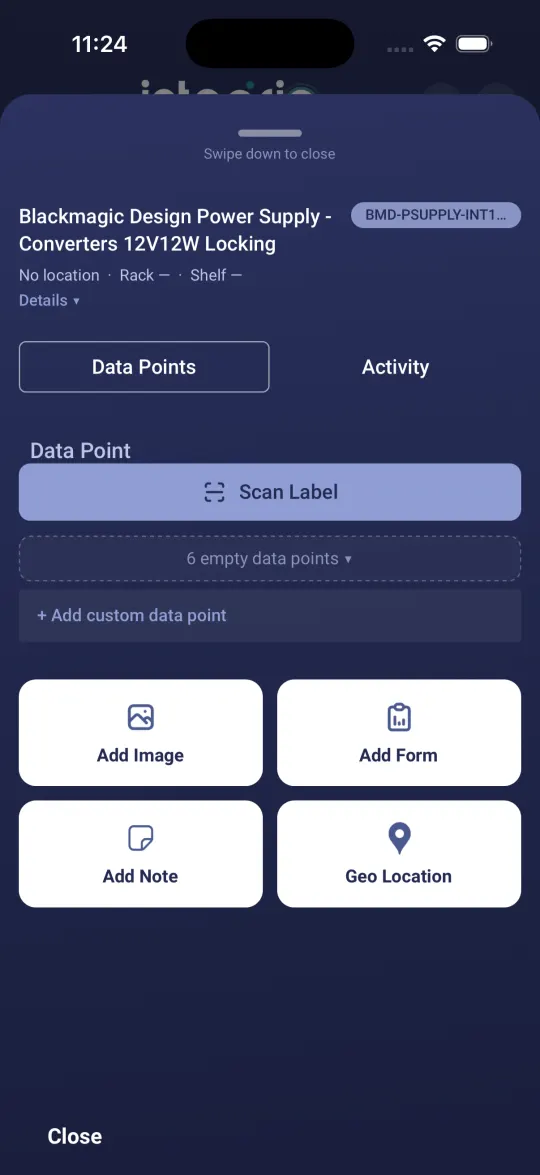
In the space, tap the product to open its card.
- 02
Take the photo
Tap Add Image. The camera opens. Take the photo and it is added to the product straight away, under Images on the card.
- 03
Check or remove it
Tap a photo to view it or draw on it. Tap the cross on a photo to delete it.
Good to know
- ✓Add Note on the same card records written notes about the product, and Geo Location tags where it was fitted.
Still stuck?
Send us the project and the step you reached, and we’ll take a look.